Trellis plots in Plot Builder

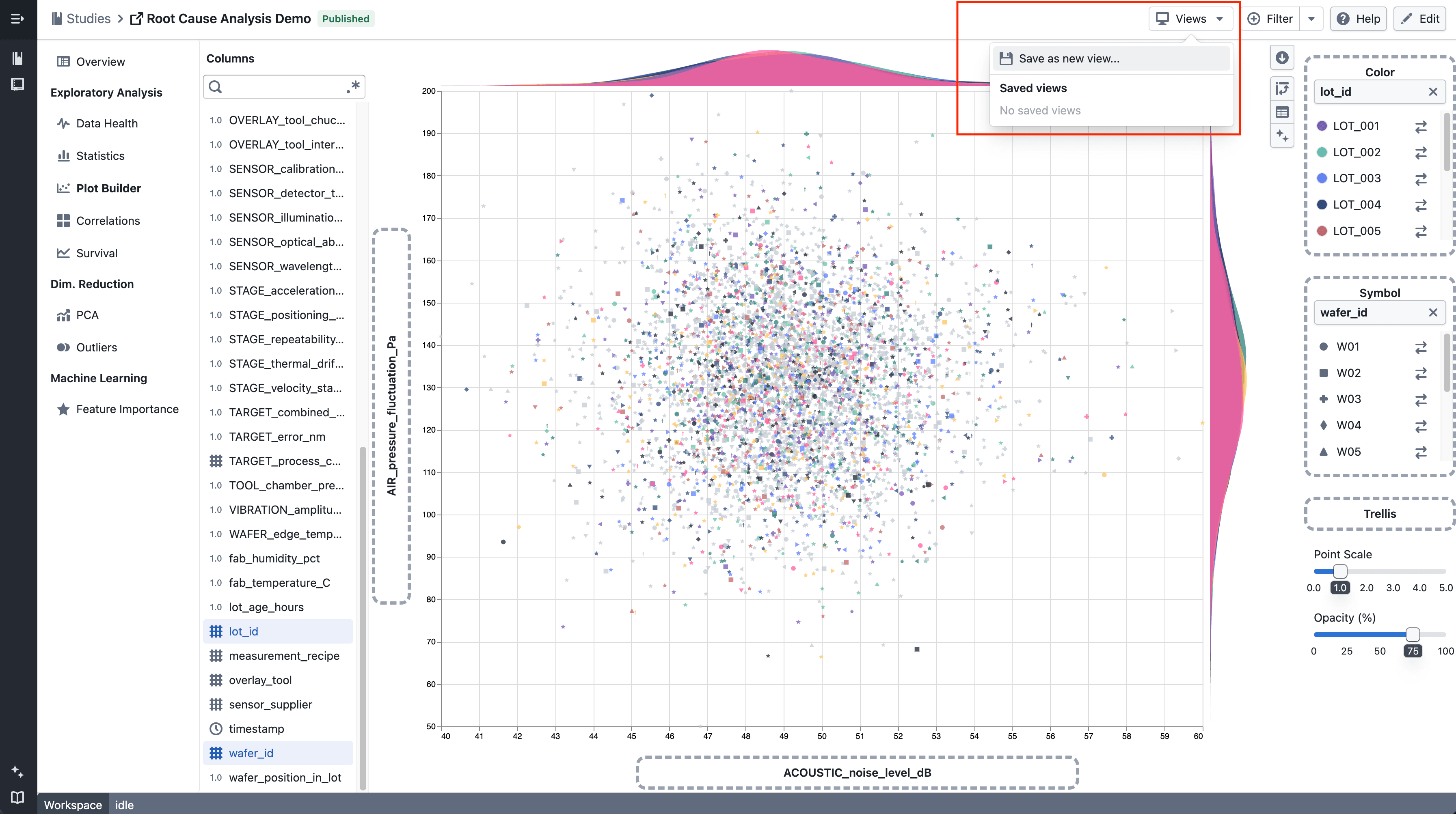
Split scatter plots and box plots into a multi-panel grid by any categorical column to compare patterns across groups side by side.

What's included

How it works

Trellis scatter plot

  • Drag a categorical column onto the Trellis drop zone in the plot sidebar
  • The plot splits into a grid of panels — one per category
  • Works with scatter plots and box plots

Trellis box plot

  • Use the trellis legend to choose which categories to display
  • Up to 4 panels can be shown at a time

Notes

  • Heatmaps do not support trellis
  • Trellis behavior may continue to evolve during the beta phase
  • If you notice any unexpected behavior, please share steps to reproduce

Save option for global filters

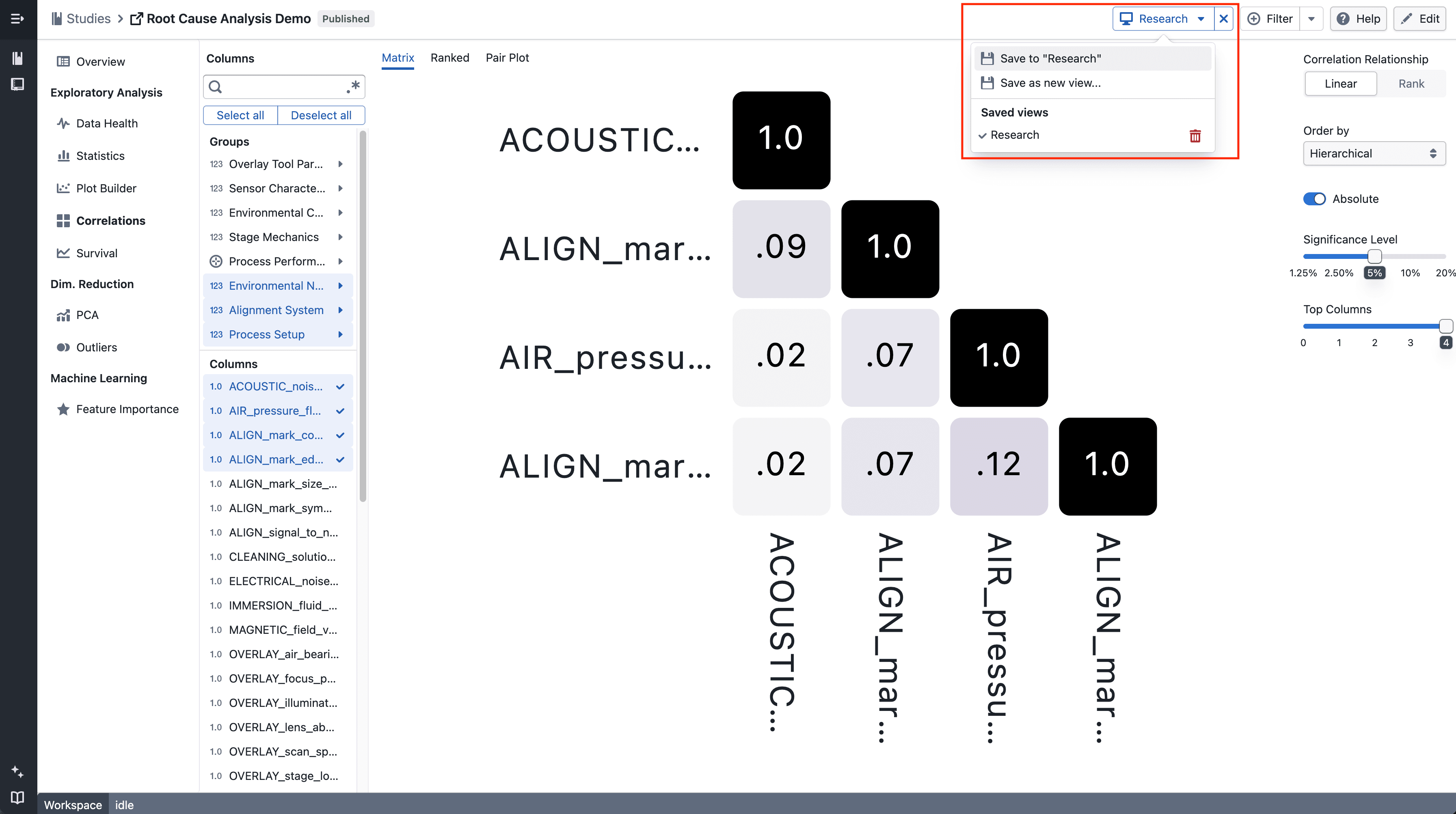
Studies now supports saving global filters, allowing you to reuse frequently used filter conditions across sessions.

What’s included

Global filters with save option in Studies

On click

  • Click Filters to access global filtering actions
  • Create new filter conditions using supported operators and values

On create On save as On save as dialog

  • New filters can be saved for reuse by providing a filter name

On apply

  • Applied filters can be edited and updated if they were previously saved
  • View and apply saved filters from the Filters menu
  • Saved filters can be reused, updated, or removed

Notes

  • Global filters apply to the current study
  • Saved filters are available across sessions
  • Filtering behavior may continue to evolve during the beta phase
  • If you notice any unexpected behavior, please share the steps to reproduce it

Add filters to statistic table

Statistics tables now support column filtering to make it easier to narrow down and analyze values.

What’s included

Column filtering in statistics tables

On hover

  • Hover over a column header to click on filter to access the filter menu

On applying

  • Select a filter operator and provide a value (where applicable)
  • Click Apply to add the filter condition

After applying

  • Applied filters appear as tags below the table header
  • Multiple filters can be added to progressively narrow down results
  • Individual filters can be removed directly from their tags

With sorting

  • Filtering and sorting can be used together to refine and order the displayed statistics

Notes

  • Filters apply to the currently displayed statistics
  • Multiple filters are combined to further narrow down results
  • Sorting respects the filtered result set
  • Filtering and sorting behavior may continue to evolve during the beta phase
  • If you notice any unexpected behavior, please share steps to reproduce

Add sorting to statistic table

Statistics tables now support column sorting to make it easier to compare and analyze values.

What’s included

Column sorting in statistics tables

On hover

  • Hover over a column header to reveal the arrow-down icon

On click

  • Click the arrow-down icon to choose ascending or descending order

Sorted

  • Once selected, the active sort order is clearly indicated, and a tag appears at the top right

On clear

  • You can change the sort direction or clear the sort by clicking the column header again, or remove it directly from the tag

Notes

  • Sorting currently applies to the displayed statistics only
  • Additional enhancements, such as combining sorting with filters, will be added in future iterations
  • If you notice any unexpected sorting behavior, please share steps to reproduce

Release notes popup

Release notes now automatically pop up the first time a new update is available.

What’s included

Auto-open when there’s a new release

  • Release notes will open automatically when there’s a newer release than what you last acknowledged
  • If you’ve already seen the latest release, it won’t pop up again
  • You can still open release notes anytime from Support → Release notes

Notes

  • This is an early version and we’ll refine the trigger rules over time
  • If you spot incorrect popup behavior (e.g. repeated prompts), please share:
    • steps to reproduce

Kaplan-Meier survival analysis

Analyze survival data with Kaplan-Meier curves, supporting event tracking, censored observations, group comparisons, and interactive visualizations.

What's included

Survival curve visualization

Kaplan-Meier survival curves

  • Step function curves show survival probability over time
  • Tick marks indicate subjects who left the study without experiencing the event
  • Filter by time period to focus on specific study phases
  • Hover over curves to see detailed statistics at each time point

Group comparisons

Group comparison

  • Compare survival across multiple groups with color-coded curves
  • Use filters to define groups
  • Legend and tooltips identify each group

Event and censoring logic

  • Set event conditions for what you're tracking (e.g., death, disease progression)
  • Set censoring conditions for subjects who exit the study early
  • Use flexible filters to define complex criteria
  • Data not matching either condition is excluded

Multi-panel plots

Faceted survival plots

  • View multiple survival curves side-by-side in a grid
  • Split data by categories for easier comparison

Interactive tooltips

Hover over any point to see:

  • Time value and date
  • Survival probability
  • Subjects at risk
  • Events occurred
  • Subjects censored
  • Group name (when comparing groups)

Notes

  • New beta feature - behavior may change based on feedback
  • Large datasets are limited to 5000 data points for performance

New experiment feature

We’re introducing a new experiment feature, now available to all users. This release is an early step to see how the feature works in practice and what we should improve next.

What’s included

Experiment creation

Create Experiments

  • Create experiments through a dedicated experiment workflow
  • Experiments serve as the top-level container for:
    • Trial definitions
    • Parameters and bounds
    • Results and visualizations

Experiments overview

Experiments Homepage

  • Centralized view of all experiments
  • Clear separation between experiments and other platform entities
  • Designed to support iteration and comparison across multiple experiments over time

Trial setup (Design of Experiments)

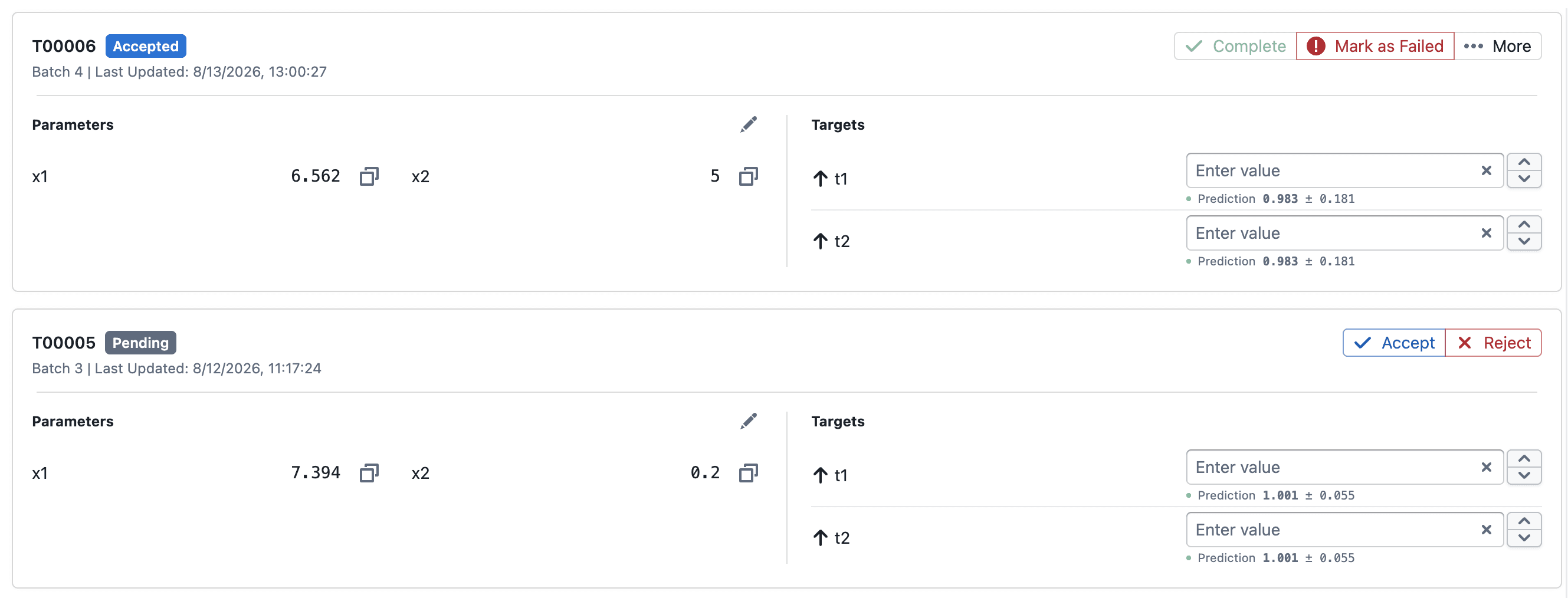
Trial – Design of Experiments

  • Configure trials within an experiment using a design-of-experiments (DOE) approach
  • Define input parameters and value ranges per trial
  • Supports structured experimentation workflows rather than ad-hoc runs
  • Trial configuration is kept inline to minimize context switching

Visualization

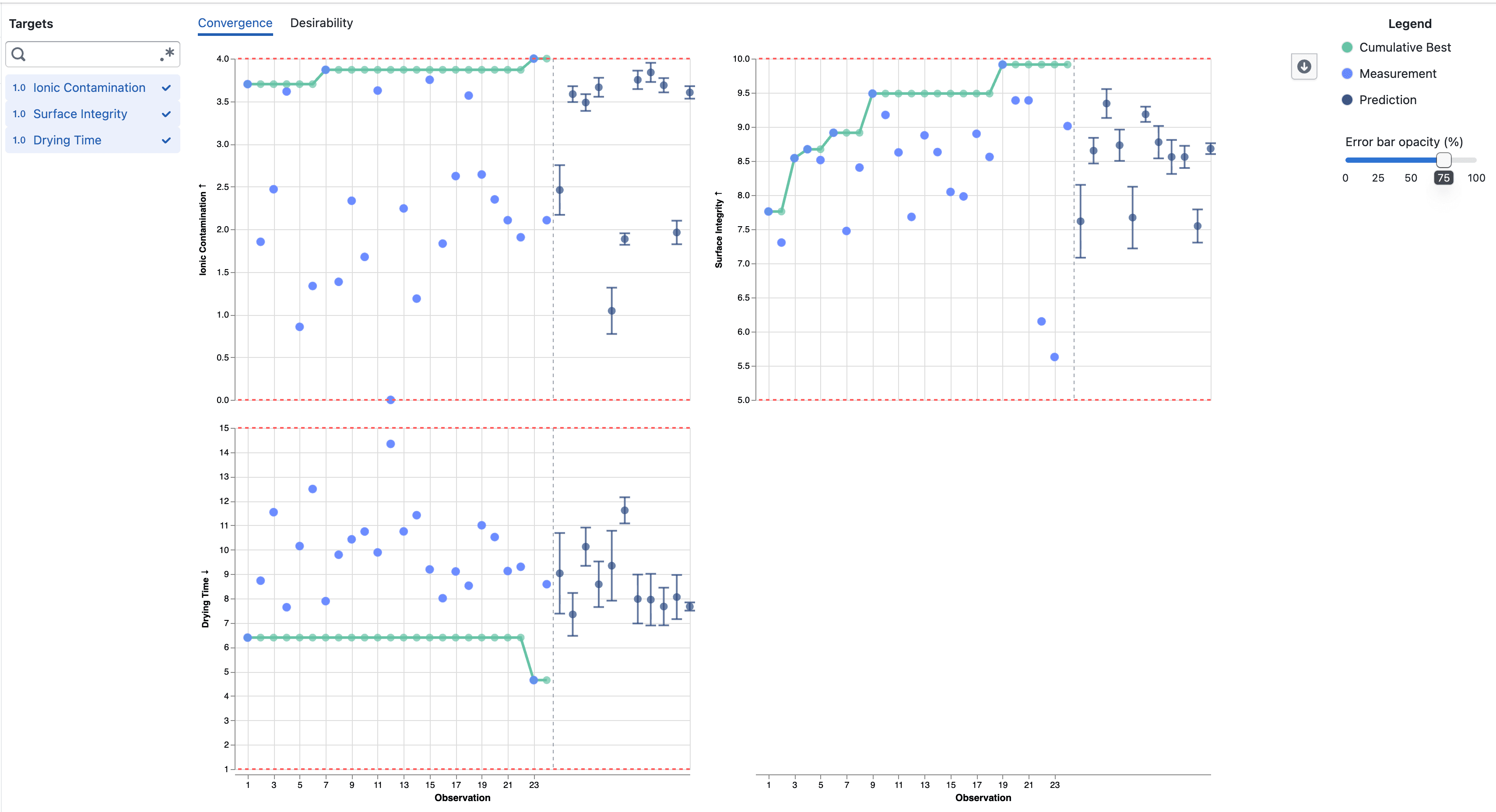
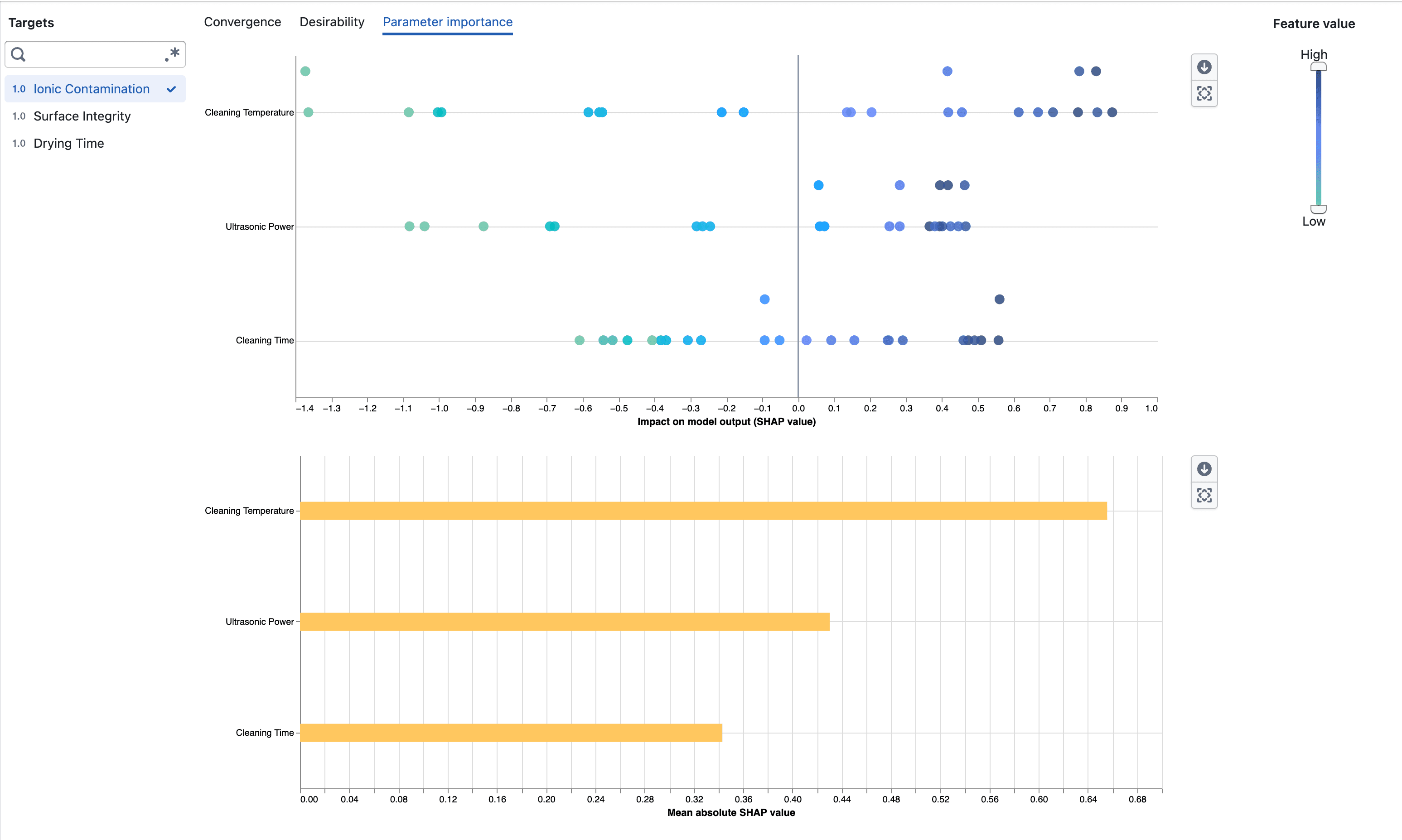
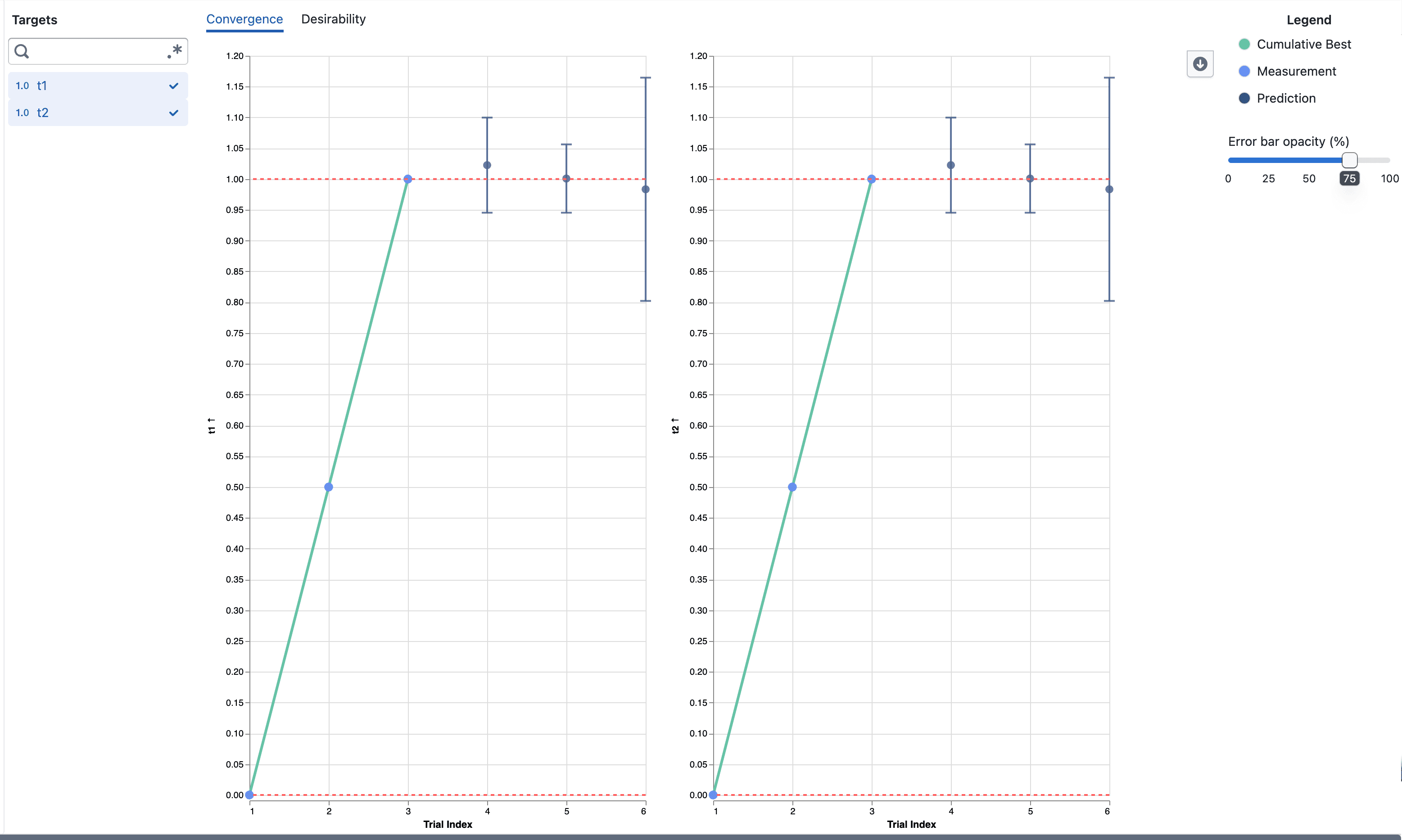
Visualization

  • Early-stage visualizations for experiment results
  • Designed to help validate experiment behavior and outcomes

For more details on how this experiment works and what to expect, see the documentation:
Learn more about experiments

We especially encourage you to try it out using our Hartmann3 tutorial in the docs, which walks through a practical, end‑to‑end example.


Notes

  • Access to a new capability that is still under active development
  • Improvements may be rolled out iteratively during the experiment
  • We’ll use usage data and user feedback to decide on the final scope and direction

Navigation layout update

We’re moving towards a sidebar-based navigation to improve scalability and deliver a more consistent navigation experience as the platform evolves.

What’s included

Left-hand sidebar

New navigation layout

  • Main navigation moved into a left-hand sidebar
  • Collapsible sections for better organization

Simplified top bar

New navigation layout

  • A simplified top bar, starting with breadcrumbs

Notes

  • This is an incremental update during beta
  • Navigation patterns may continue to evolve based on feedback