Save option for global filters
Studies now supports saving global filters, allowing you to reuse frequently used filter conditions across sessions.
What’s included
Global filters with save option in Studies
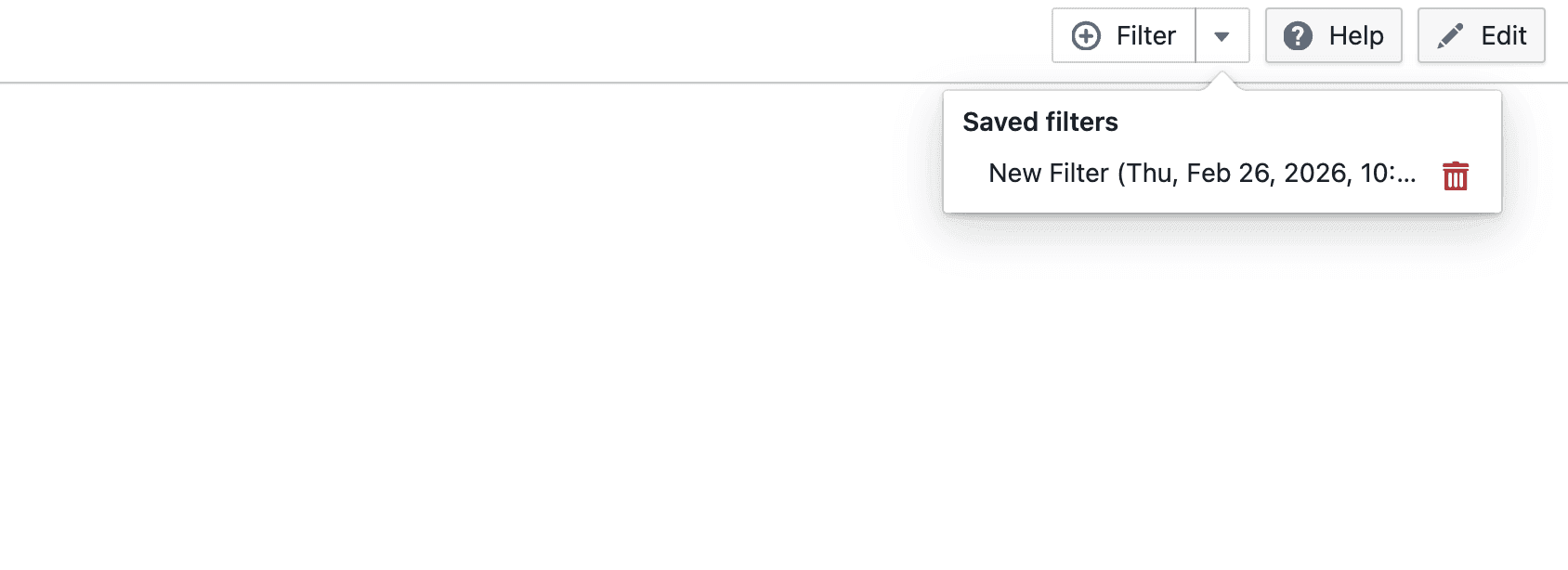
- Click Filters to access global filtering actions
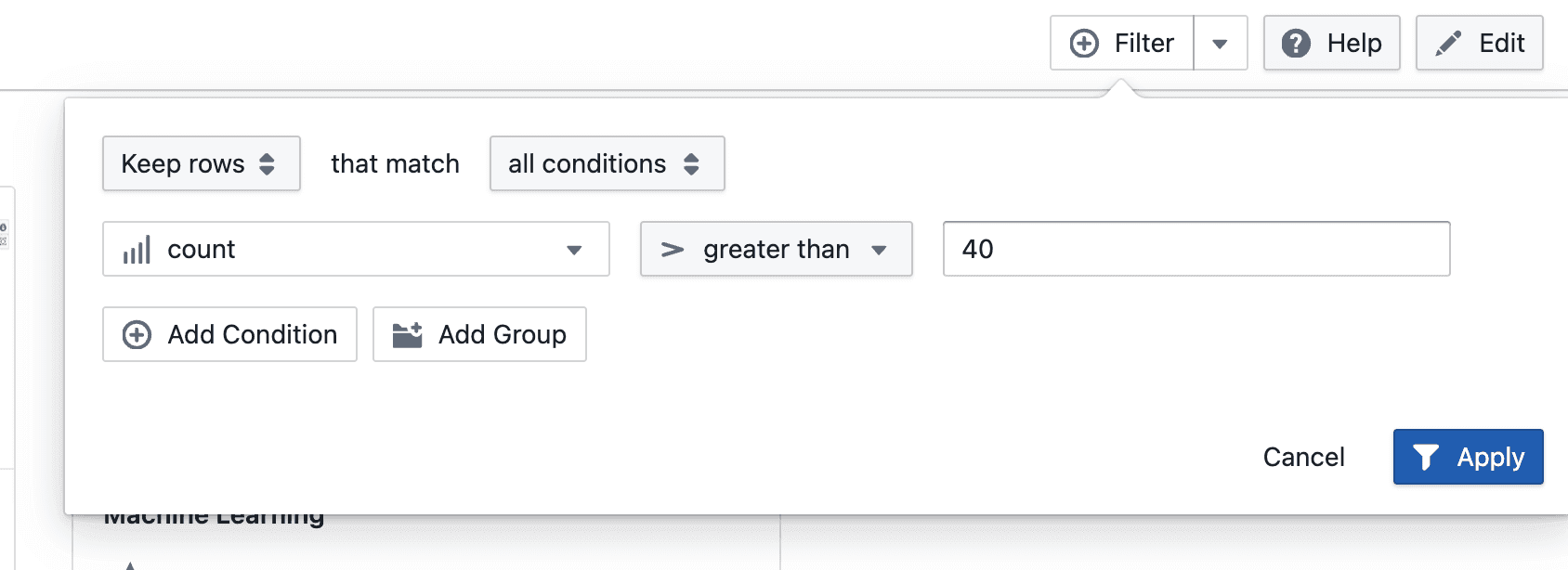
- Create new filter conditions using supported operators and values
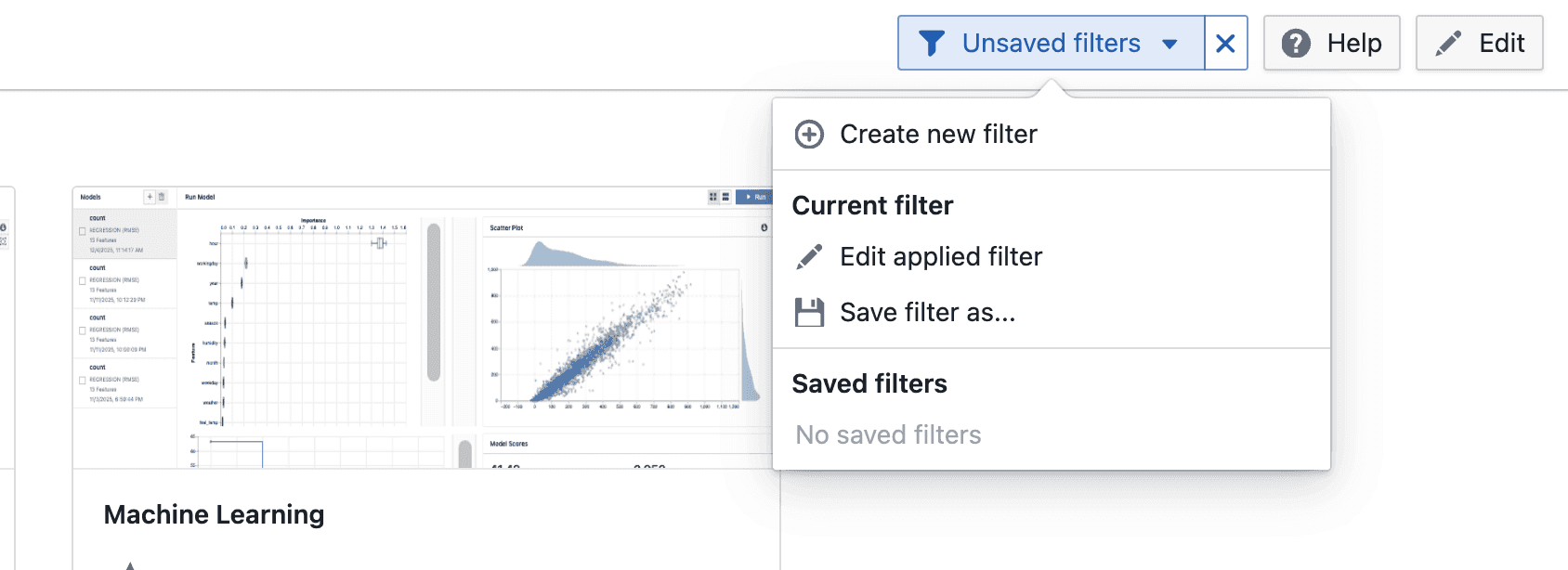
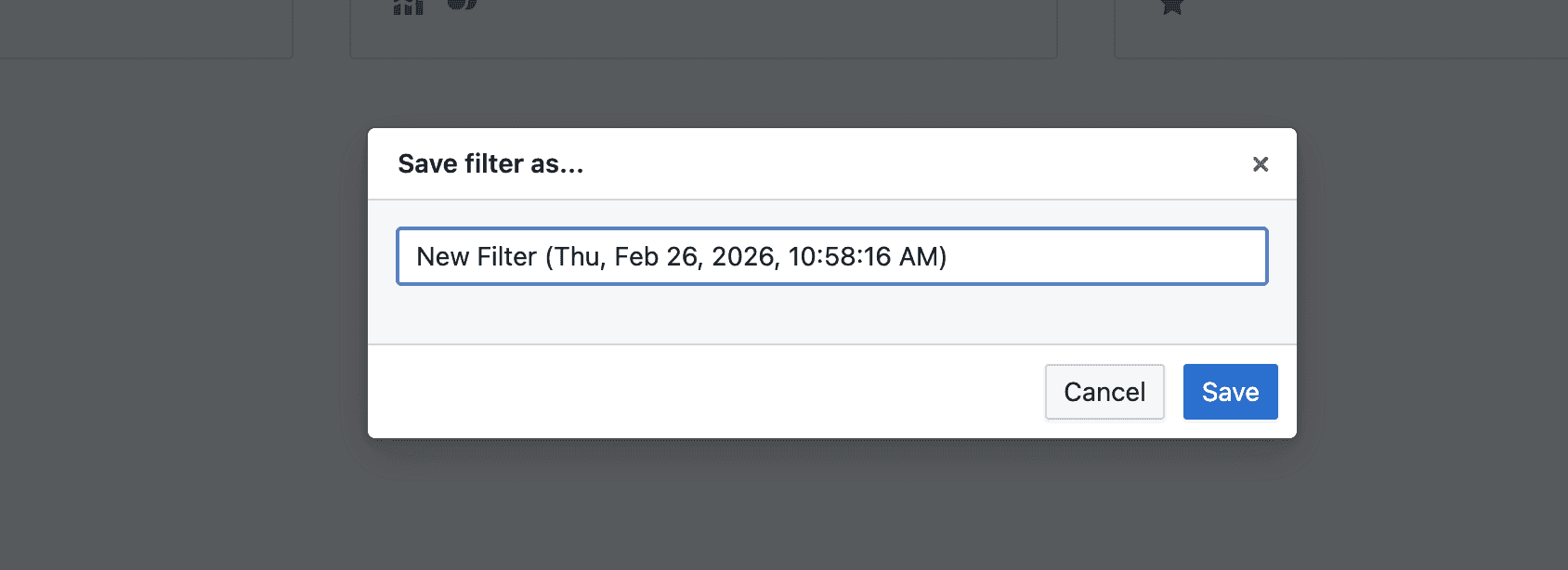
- New filters can be saved for reuse by providing a filter name
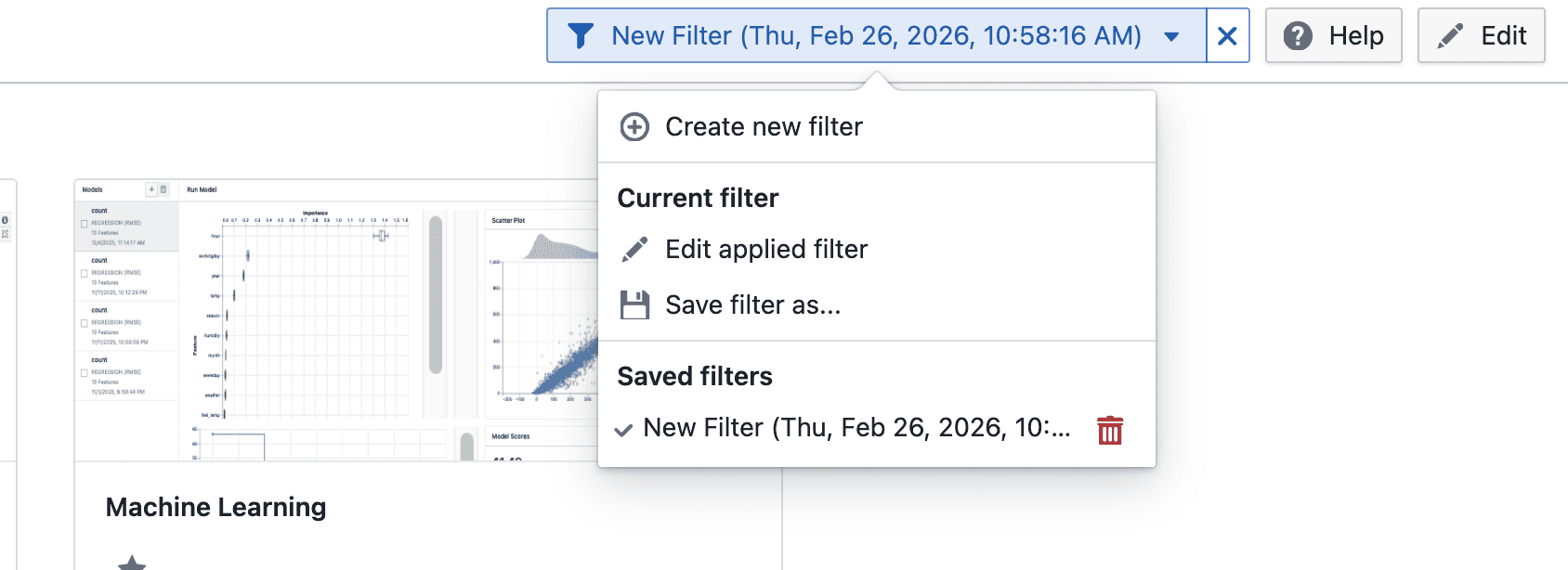
- Applied filters can be edited and updated if they were previously saved
- View and apply saved filters from the Filters menu
- Saved filters can be reused, updated, or removed
Notes
- Global filters apply to the current study
- Saved filters are available across sessions
- Filtering behavior may continue to evolve during the beta phase
- If you notice any unexpected behavior, please share the steps to reproduce it