info
Access Athinia Catalyst at catalyst.athinia.io.
Catalyst Assist
Catalyst Assist is an AI chat assistant built into Catalyst. Open it from the Assist button in the sidebar, or press Ctrl + K (⌘ + K on Mac), from any page.
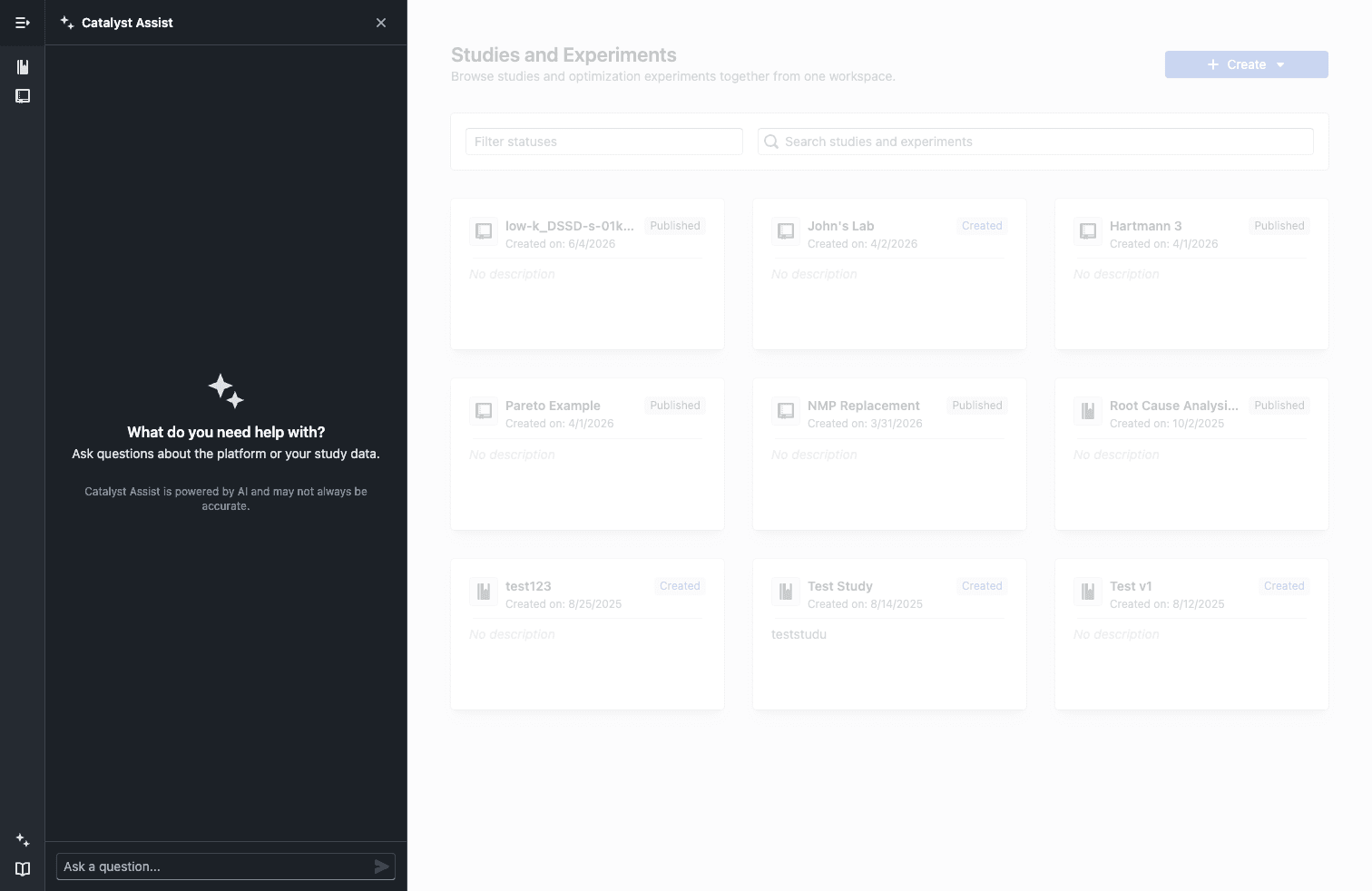
The Catalyst Assist panel, opened from the sidebar.
What it does
Assist answers two kinds of questions:
- Platform questions, grounded in the official Catalyst documentation. See Documentation.
- Study data questions, by querying your study's dataset directly when you open Assist inside a study. See Study Data.
Ask in plain language and get an answer where you're working, instead of searching the docs or building a query yourself.
Using Assist
- Click Assist in the sidebar, or press Ctrl + K / ⌘ + K.
- Type a question and read the answer.
- Ask follow-ups; context is kept within the same conversation.
- Use + to start a new conversation.
Notes and limits
- Assist is powered by AI and may not always be accurate. Verify important results.
- Conversations are limited to 20 messages; start a new one for unrelated topics.