Simpler trial workflow without the Accepted step
Pending trials now go straight to Completed, Failed, or Rejected, without accepting them first.
What's included
One less step per trial
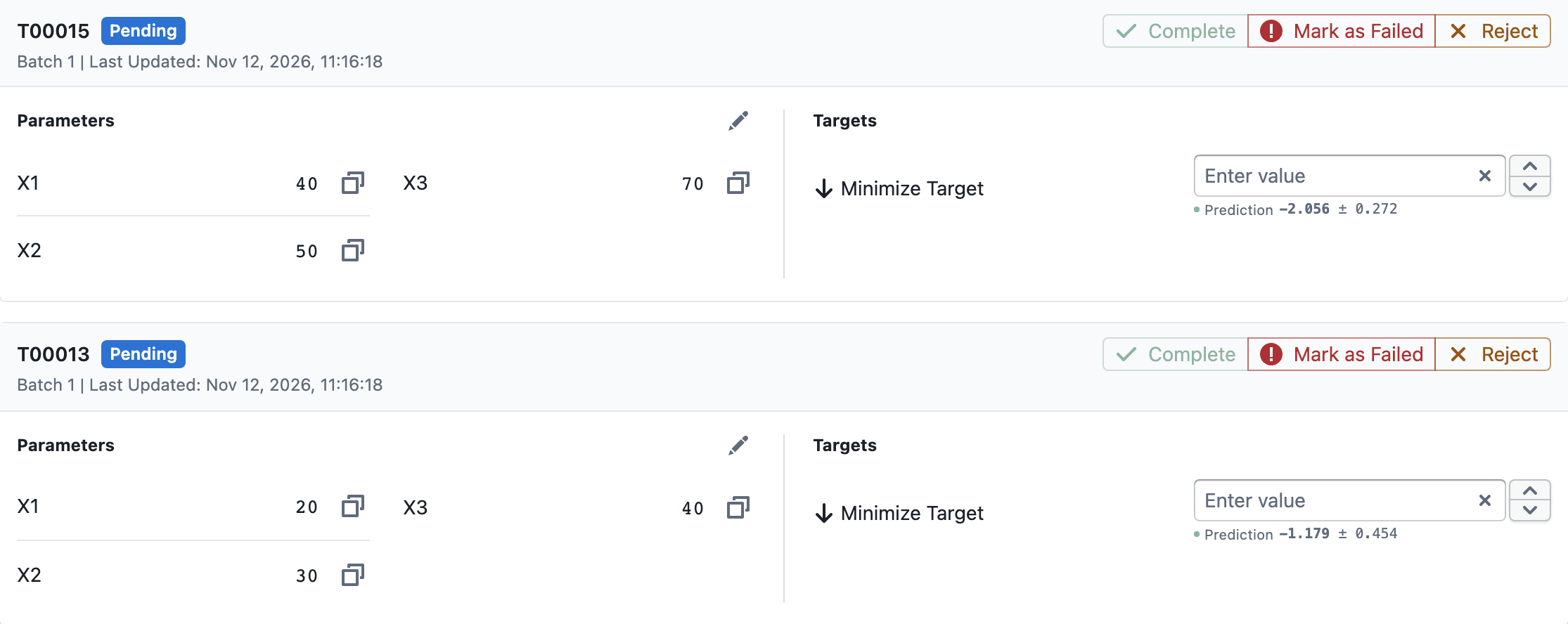
- Trials now move from Computing to Pending, then to Completed, Failed, or Rejected
- Pending trials show Complete, Mark as Failed, and Reject side by side
- Enter target values on a Pending trial and select Complete to record its results
- Reopen moves a closed trial back to Pending
- Pending trials are now shown in blue
Notes
- Existing Accepted trials are shown as Pending, with their target values unchanged
- The Accepted status is removed from status filters and Export trials
ACCEPTEDis no longer a valid State when importing trials from CSV