Experiment Settings
Open Edit from the experiment detail view to update experiment settings. Experiments use the shared edit page, but the General tab includes experiment-specific details such as targets, parameters, and constraints.
General
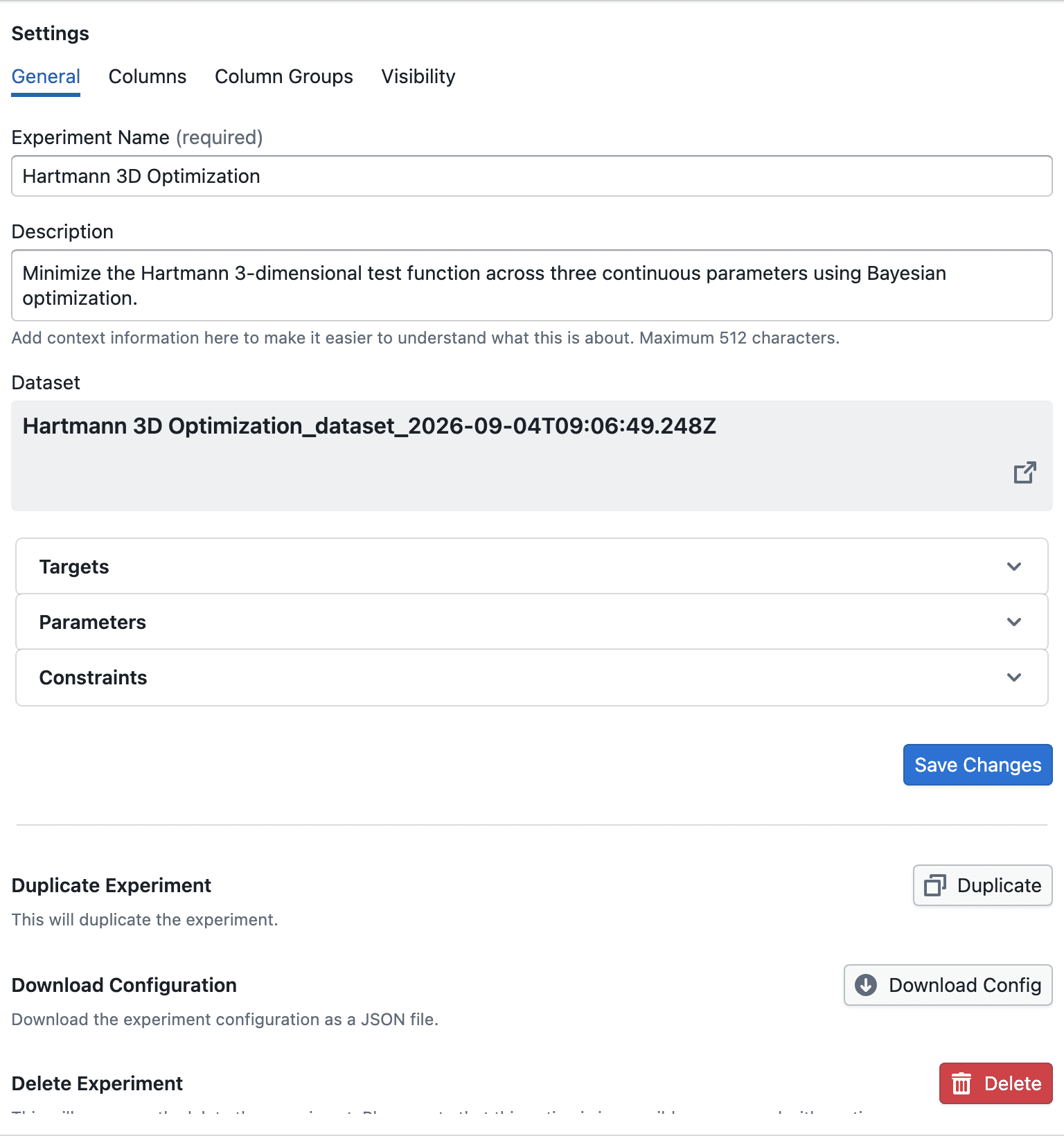
Use General to update core experiment information:
- Change the Experiment Name
- Update the Description
- Review the linked dataset and open its dataset preview
- Review the current Targets, Parameters, and Constraints
- Save changes
The same tab also includes actions to:
- Duplicate the experiment and open a new draft with the current configuration prefilled
- Delete the experiment permanently without deleting the underlying dataset
Visibility

Use Visibility to publish the experiment:
- Turn on the publish switch
- Confirm publishing in the dialog
- Copy the published experiment link after publishing
Publishing makes the experiment available to other users who already have access to the dataset. Publishing cannot be undone from this page.
Shared dataset settings
The same edit page also includes Columns and Column Groups tabs. These behave the same way as the study edit page because the experiment uses the same underlying study dataset and column setup.
For details on those shared tabs, see Study Settings.