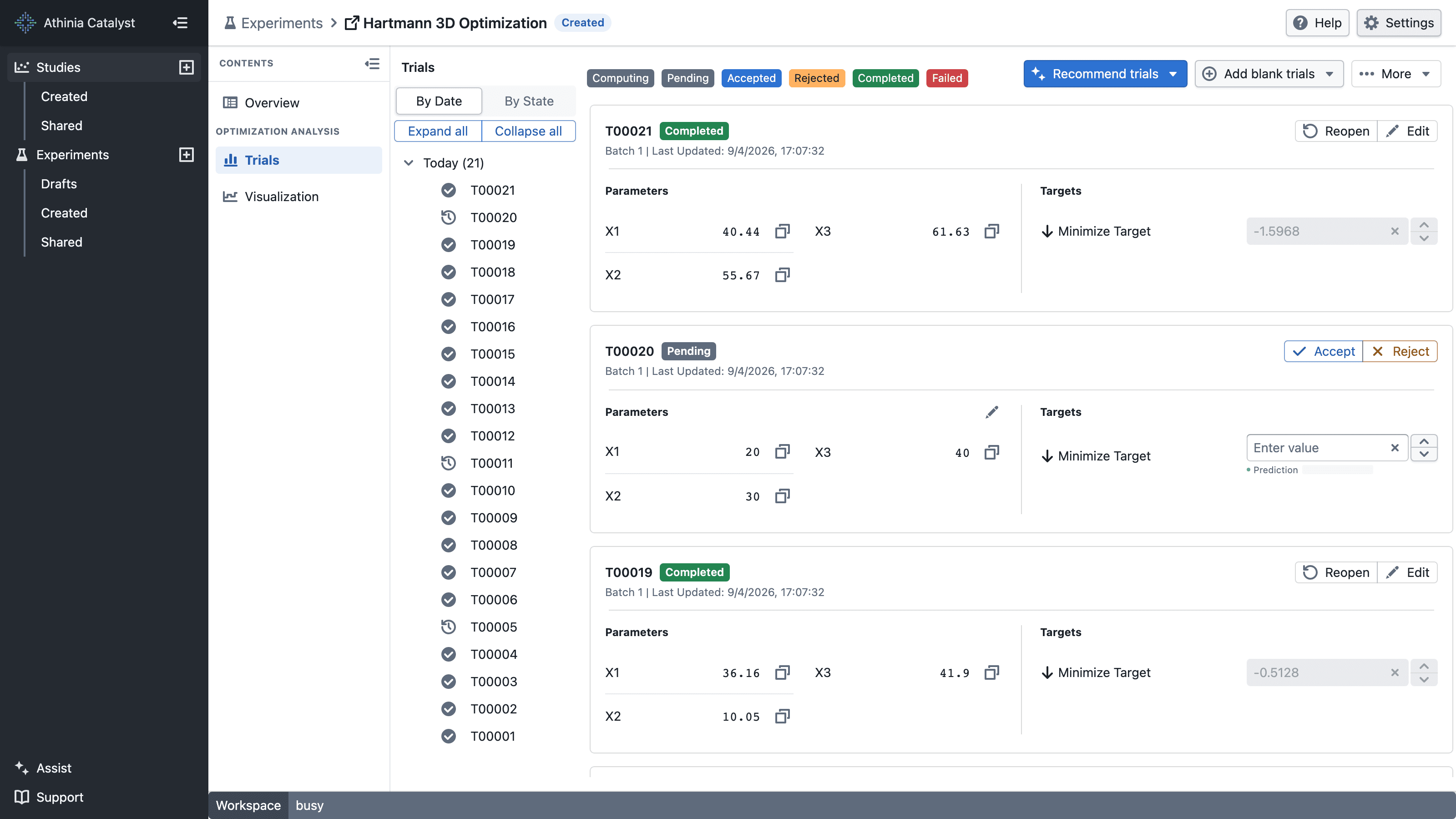
Create your experiment at catalyst.athinia.io/experiments/create.
Hartmann 3D Function Calculator
Calculate the result of the Hartmann 3D function by entering three input values (x1, x2, and x3). This function is commonly used to test optimization methods because it has multiple possible solutions, making it a good challenge for finding the best answer.
Calculator
Use the calculator below to try out the Hartmann 3D function right away. Enter three input values and see the result instantly, or upload a file to process multiple rows at once.
Calculator
Enter three parameter values between 0 and 100:
Tip: The best (lowest) result is approximately -3.863 when using inputs around (11.4, 55.6, 85.2)
Batch Processing
Export parameter values from your trials, then upload the file here to get batch results for the target.
Important: Before uploading, cleanse your exported data by removing the irrelevant columns. The file should only contain the three parameter values (x1, x2, x3), one set per line, separated by commas or spaces.
File format example:
11.4,55.6,85.2
20,40,60
5,70,90The sections below explain how to use this calculator in more detail and how to set up your experiment in Catalyst.
How to Use the Calculator
-
Single Calculation: In the calculator above, enter three numbers (X1, X2, X3) between 0 and 100. You will see the result instantly as long as X1 + X2 ≤ 100, which is the constraint used in the experiment.
-
Batch Processing: Export parameter values from your trials, then upload the file using the Choose File button in the calculator. You can download the results as a CSV file.
Getting Started
To use this function inside Catalyst, set up an experiment first. Create your experiment and configure it with the following settings:
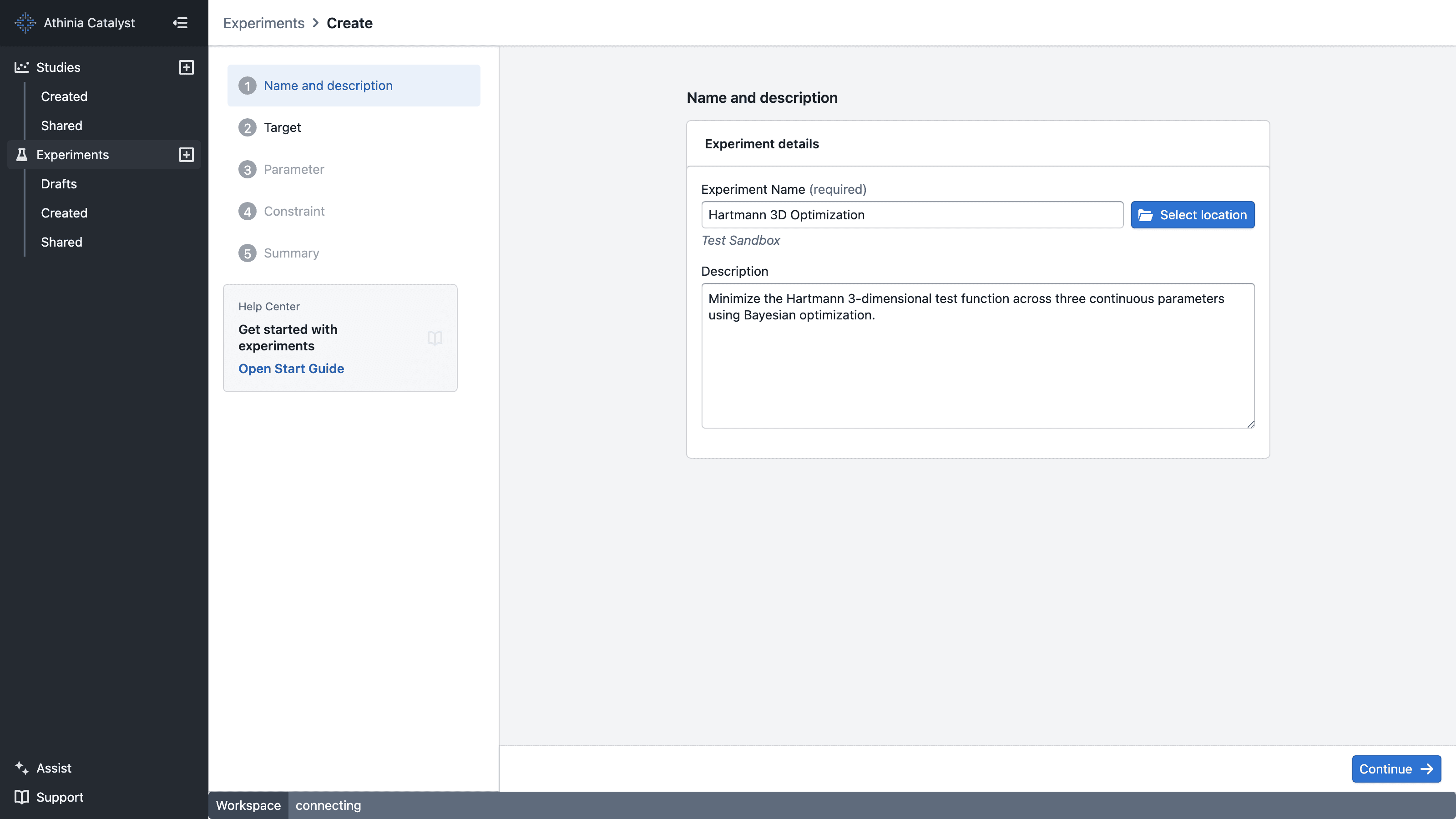
Experiment Setup
Target (Objective):
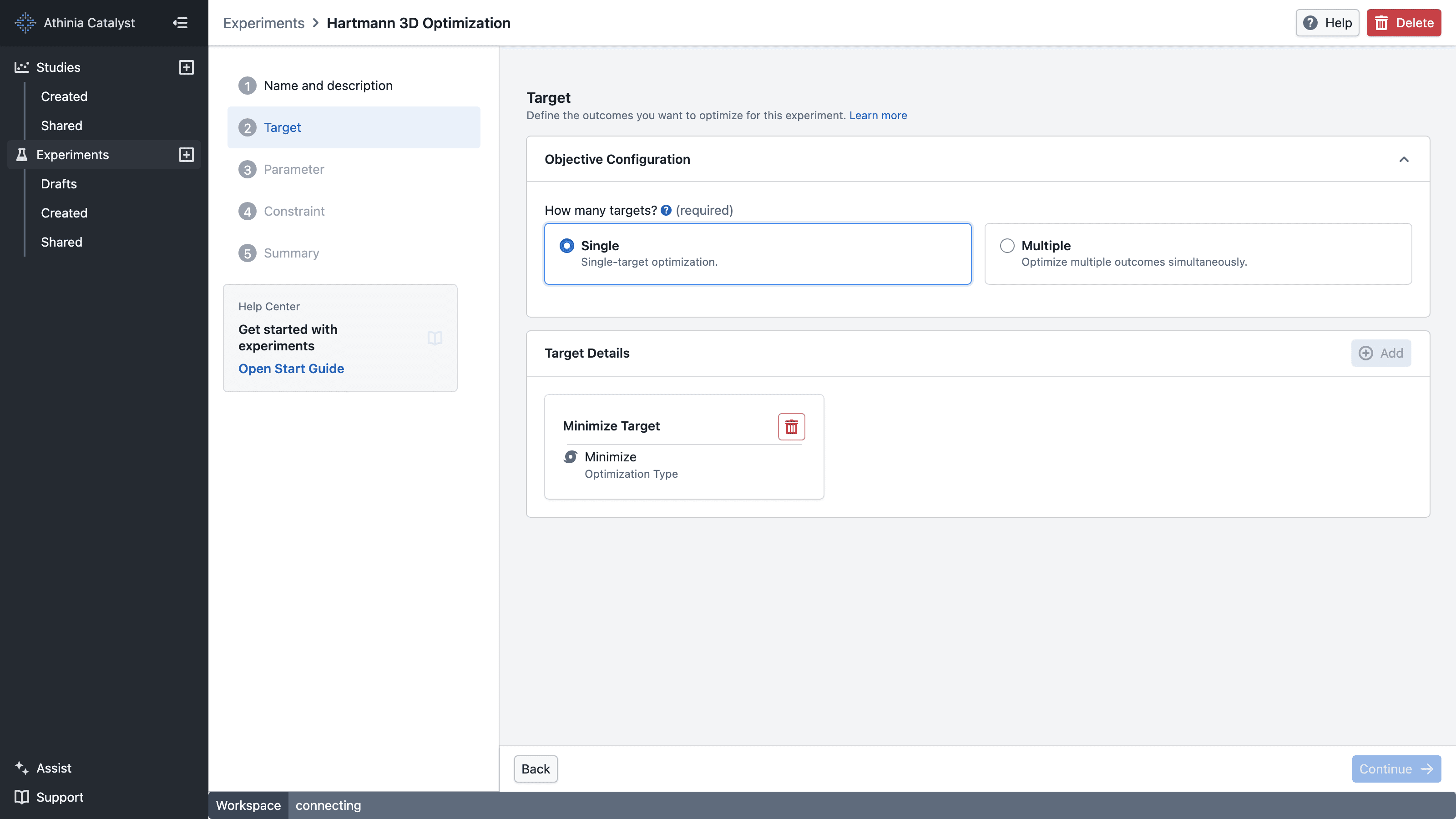
- Minimize - We want to find the lowest possible result
Parameters:
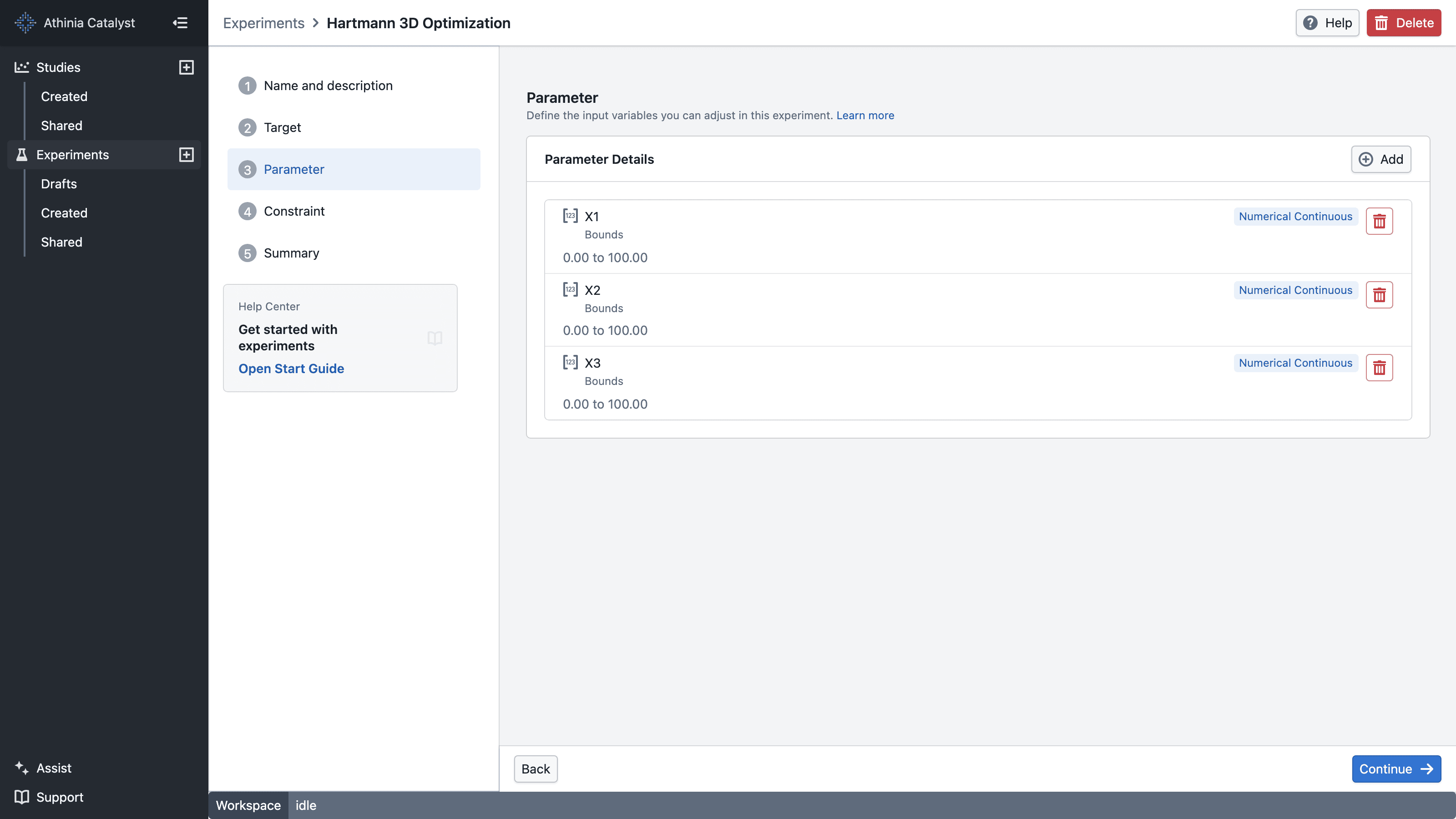
- X1: bounds 0 to 100
- X2: bounds 0 to 100
- X3: bounds 0 to 100
Constraint:
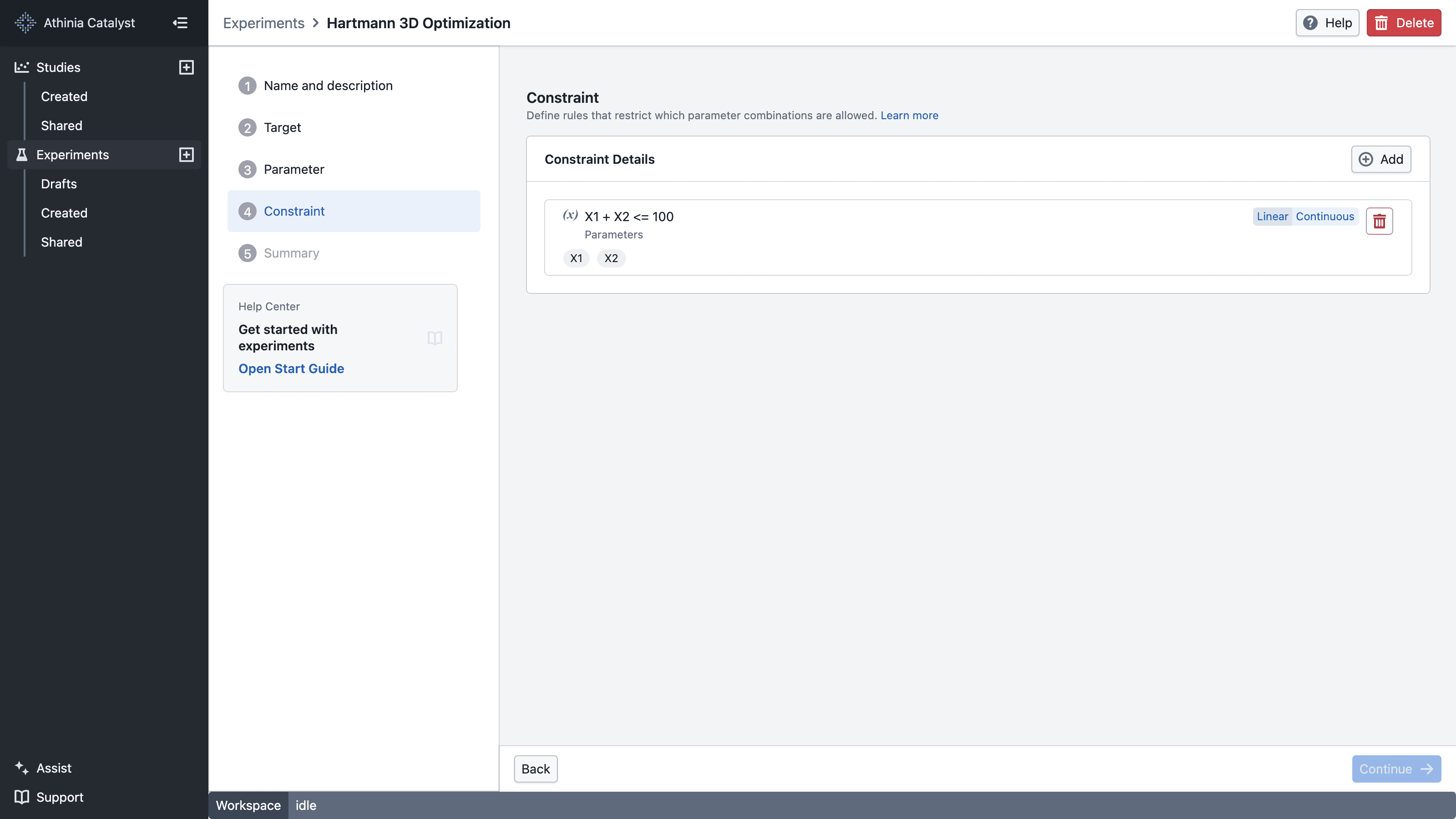
- X1 + X2 ≤ 100 The first two parameters must add up to 100 or less (linear constraint)
Once you've created your experiment with these settings, you can create your first trial and use the calculator on this page to test different parameter values and see what results they produce.